
Appearance
Exercise 1 - Reviewing Before Scenario
Background
Topics help define the capabilities of an Agent and serve as a container for instructions and actions. They enable Agents to use relevant instructions and actions for a given point in a conversation. Another way to think of it is that Topics are a “Job To Be Done.” As a builder, Topics provide a mechanism to define and configure the scope of what an Agent can handle.
Topic Instructions
Instructions are “prompts,” written in natural language, that guide the Agent on how to best use the actions to perform the job within its Topic scope. Instructions are mapped to a Topic and are configurable to provide more granular control over the Agent.
Here are some guidelines for Instructions:
- Clear, Detailed, Direct: To get the best results, instructions should be clear, detailed, and direct. It is recommended that you provide context based on the nature of the task you want the instruction to handle.
- Provide examples: To help the Agent better understand what you're asking for, provide examples or sample inputs and outputs.
- Avoid ambiguity: Be as specific as possible when providing instructions. Avoid ambiguous language that can lead to misinterpretation.
As you build Topics, a good mental model is to define instructions last. Build out the required Topic fields (name, description, scope) and add associated actions, then begin testing the Topic. Incrementally add instructions to guide your Agent to execute the Topic and select actions in the desired manner in an iterative build+test loop. (For purposes of our enablement, we will do the opposite today.)
Agent Actions
Actions are the tools to do the job. Actions are added to Topics to limit Agents to only use the relevant tools for a given job-to-be-done. For more information, refer to Best Practices for Instructions.
Step 1: Review Default Agent
We will review a pre-existing Agentforce Agent in this org and test it’s out of the box capabilities.
At the top-right, click the Setup icon
 and select Setup.
In the quick find box, search for Agentforce Agents, then click Agents.
Scroll down to the Agentforce (Default) agent. We have just a single agent here, but this is where we can see all of our internal and external agents (e.g. Service Agent etc). Drill into this agent by clicking on the agent name.
Click the Open in Builder button.
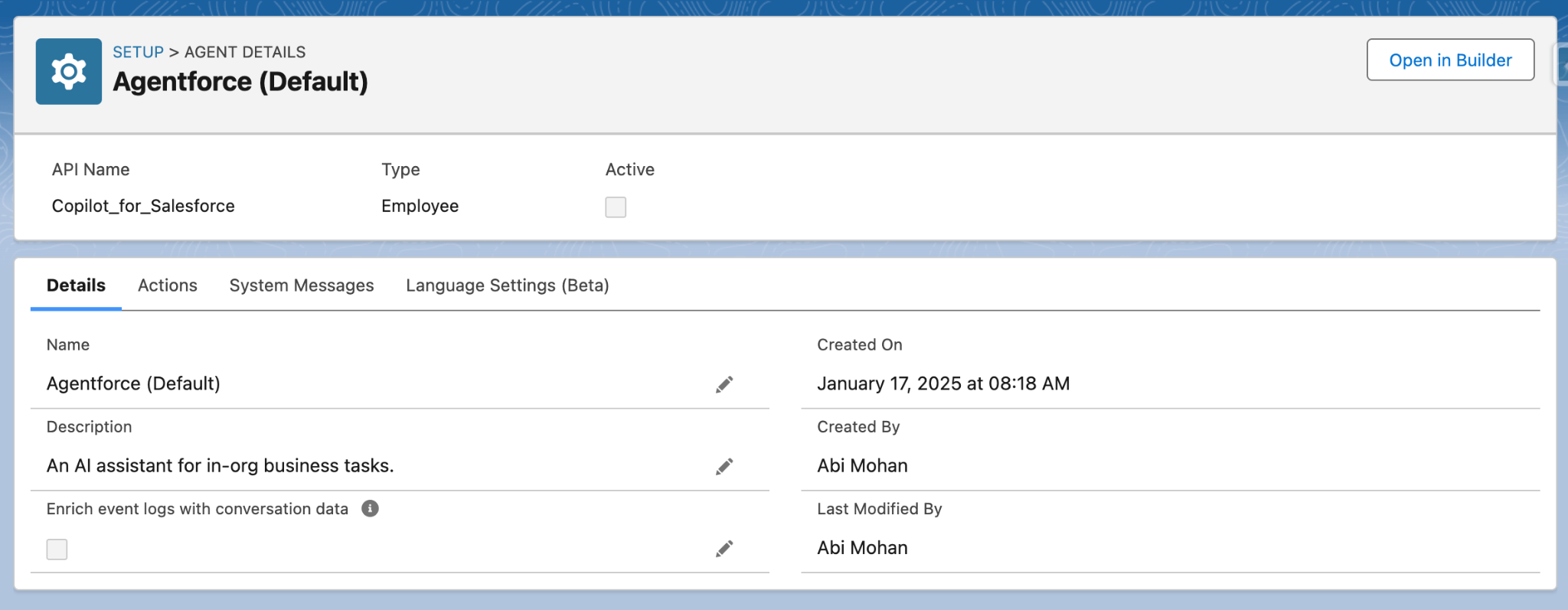
You should see a screen like this.
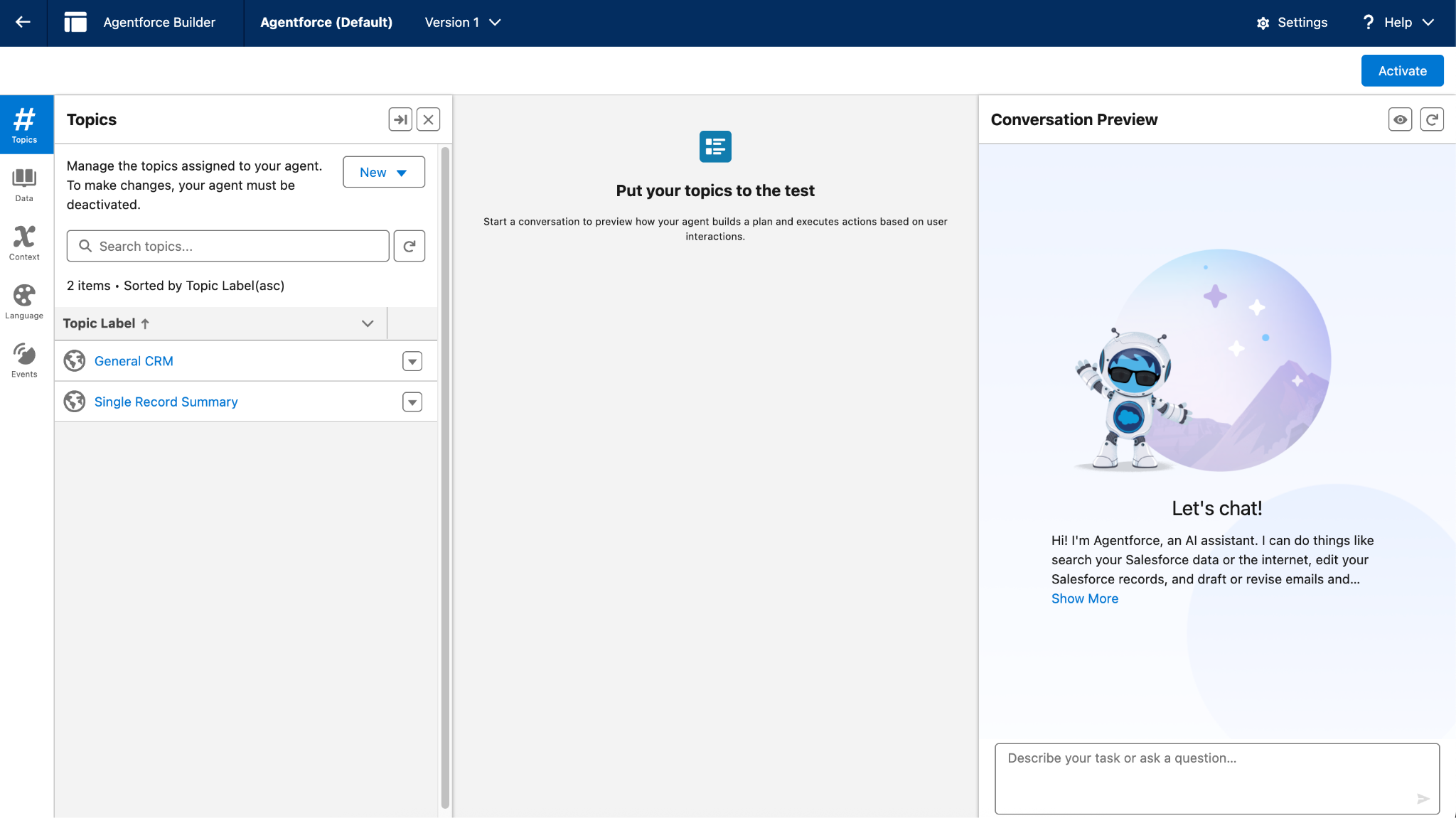 The Agent Builder is split into 3 columns:
Left: This section is where you work with Topics, Actions, Knowledge, Language Settings, and Event Logs. There should be no topics in the list.
Right: This section is where you will start a conversation as a user and interact with the Agentforce Agent to test your work.
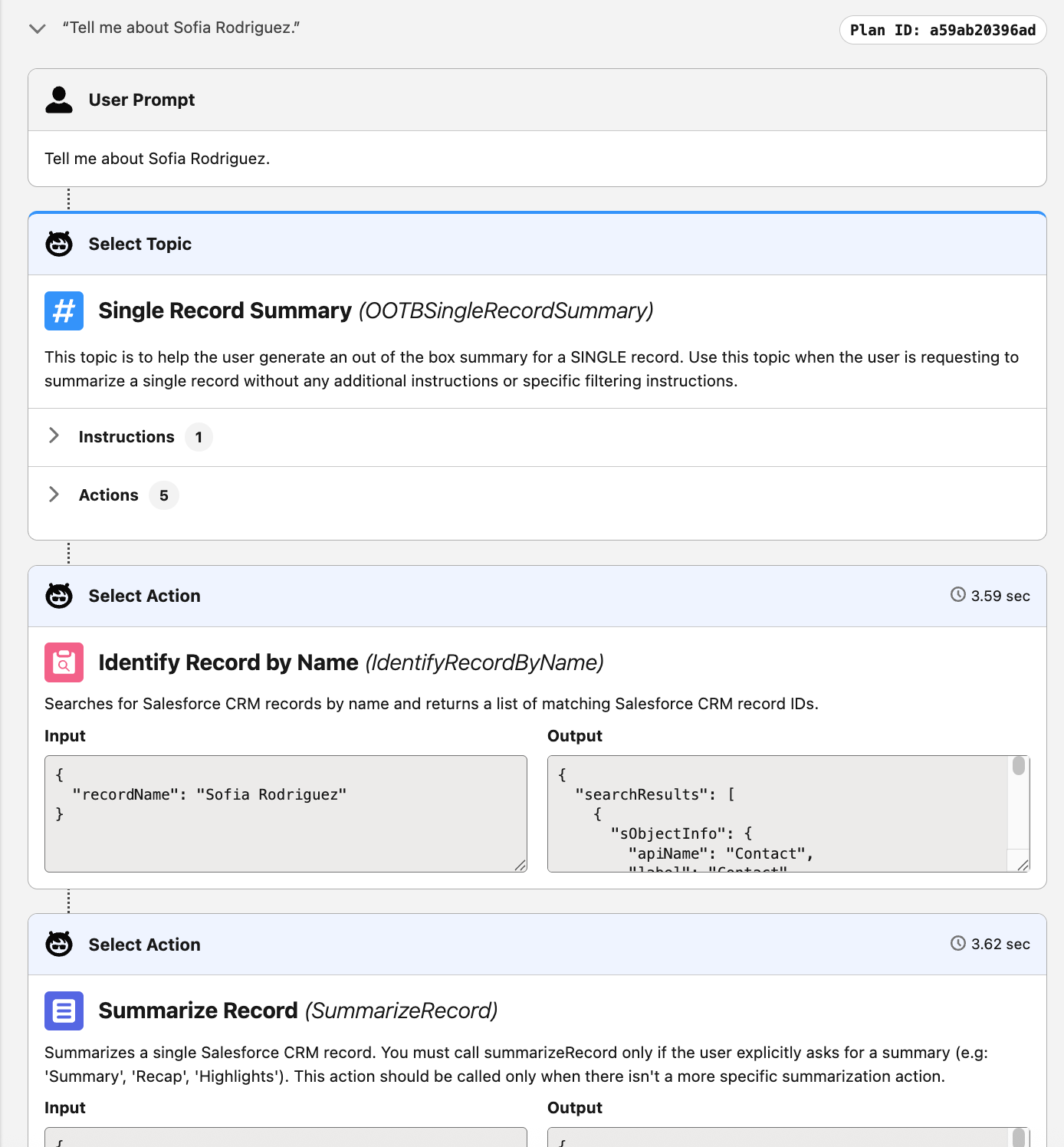
Center: This section is where you preview how your Agentforce Agent builds a plan and executes actions based on the user interactions.
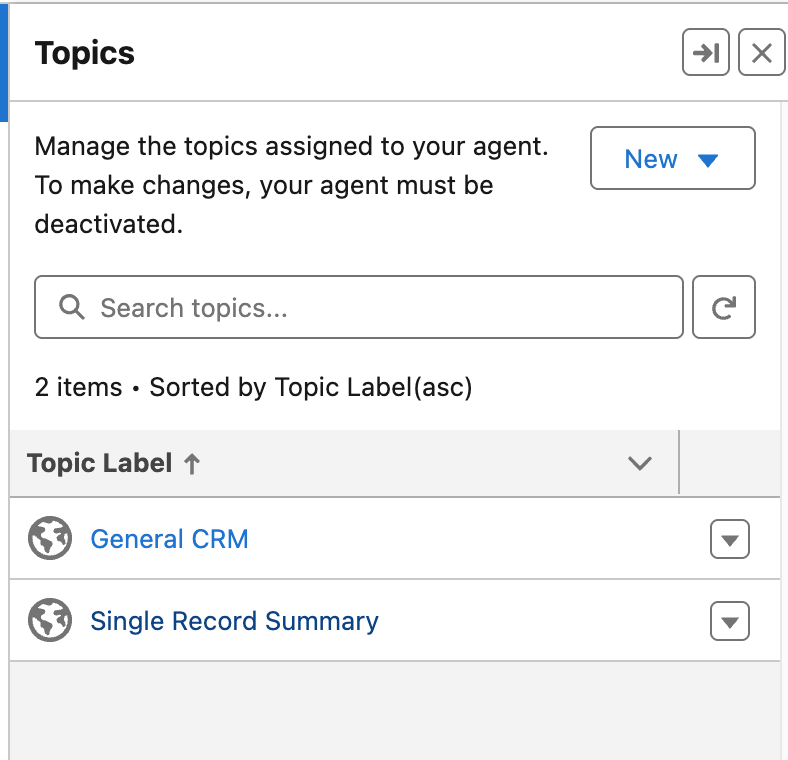
On the left hand side, locate the Single Record Summary topic and click into it.
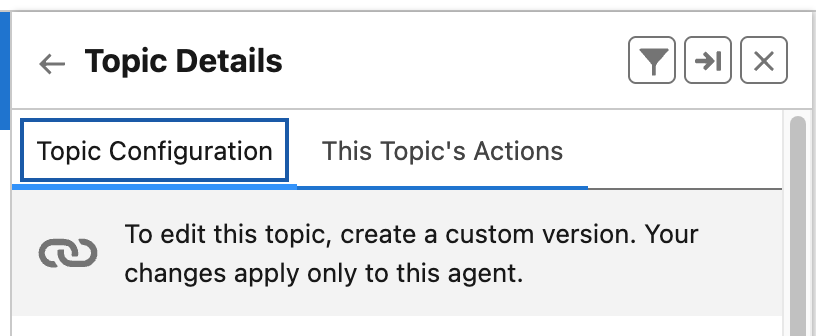
On the next screen, you’ll see how this Agent’s topic has been configured including it’s Classification Description, Scope, and Instructions.
Scroll back to the top and click on the This Topic’s Actions tab.
On this tab, you’ll see a list of out-of-the-box actions this Agent’s topic can take, such as Identifying Objects by Name and Identifying Records by Name.
Next, we’ll test this Agent. On the right hand side, inside the Conversation Preview, type:
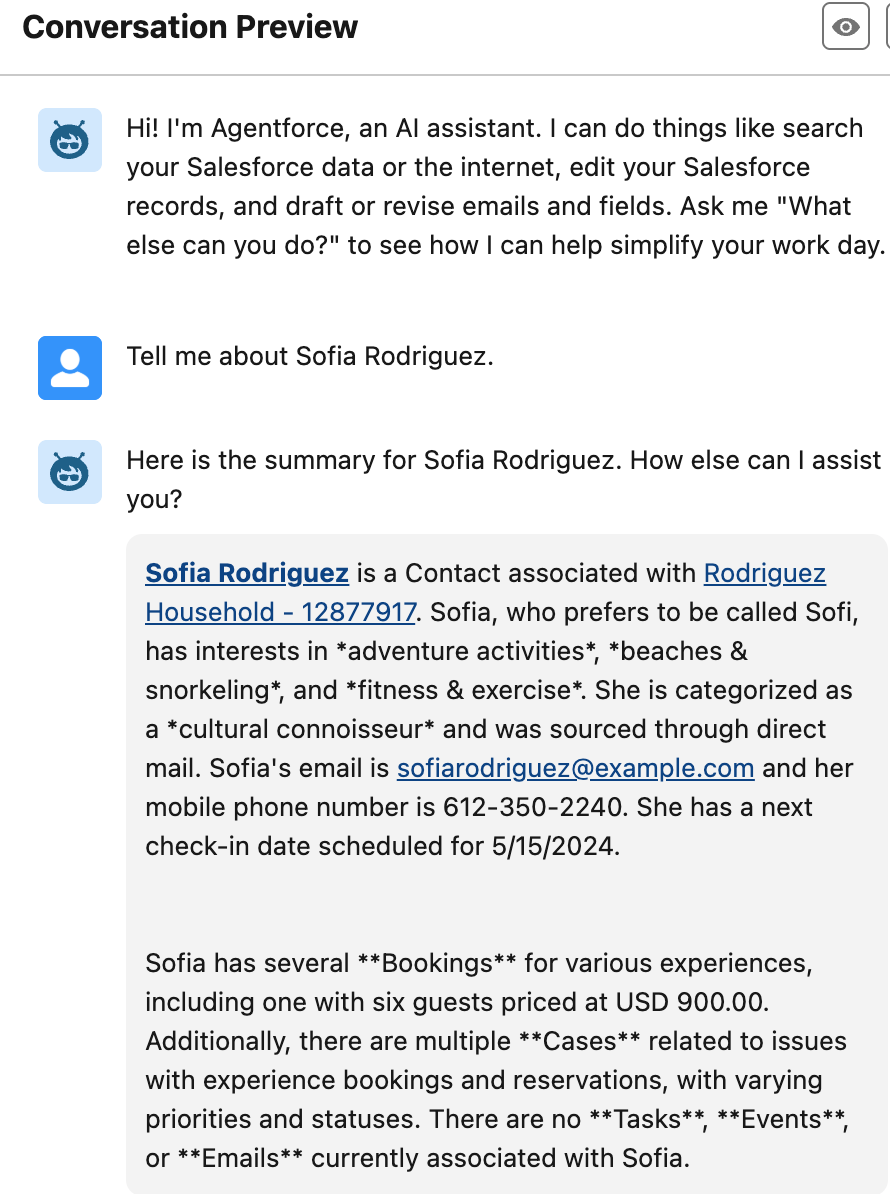
Tell me everything we know about Sofia Rodriguez.Click the Send icon and await the Agent’s response.
In a few seconds, you’ll see a summary of Sofia Rodriguez including things like her Household Association, Interests, and Past Bookings.
Pretty cool, right? In the middle pane, you can see all the steps the Agent took to return your answer.
Let’s try another question:
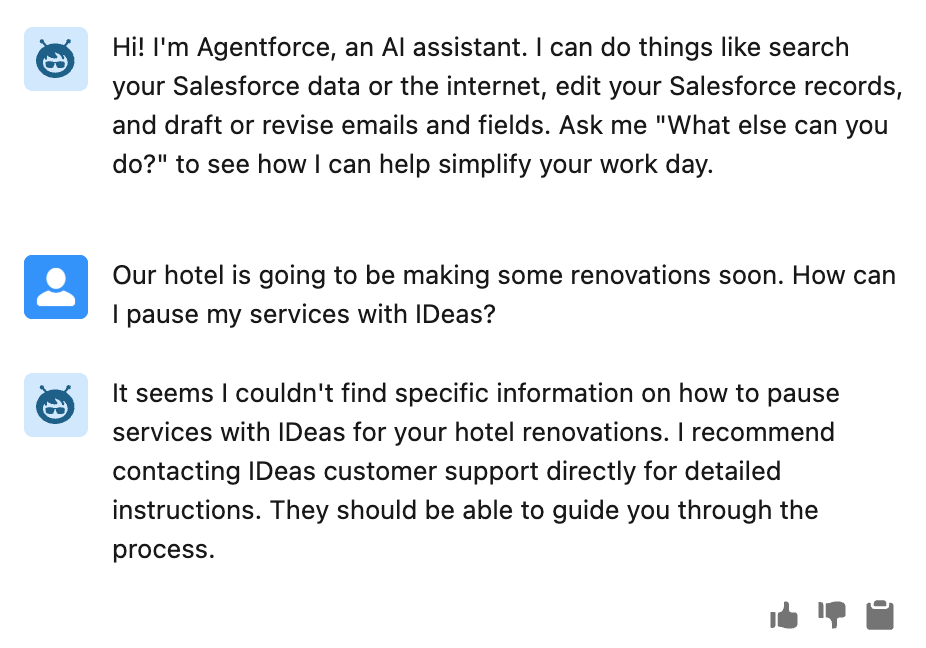
Our hotel is going to be making some renovations soon. How can I pause my
services with IDeas?- Whomp whomp… Looks like our out-of-the-box Agent isn’t able to answer questions with our data yet. In the next exercise, we’ll fix that!
This concludes Exercise 1.