Appearance
Exercise 2 - Grounding Agent with Our Data
Retrieval Augmented Generation (RAG)
RAG combines real-time information retrieval with generative AI, allowing systems to pull in relevant, up-to-date data. This ensures responses are informed by both pre-existing knowledge and current, context-specific information, making it ideal for scenarios requiring accurate and personalized interactions.
- What it means for customers: Provides more accurate, personalized responses by drawing on the most relevant and up-to-date information, leading to higher trust and better overall interactions.
- What it means for teams: Enhances AI by enabling real-time, dynamic responses without frequent retraining. It streamlines data use, promotes cross-department collaboration, and provides a competitive edge by delivering more intelligent and tailored customer experiences.
Step 1: Create a new Data Library
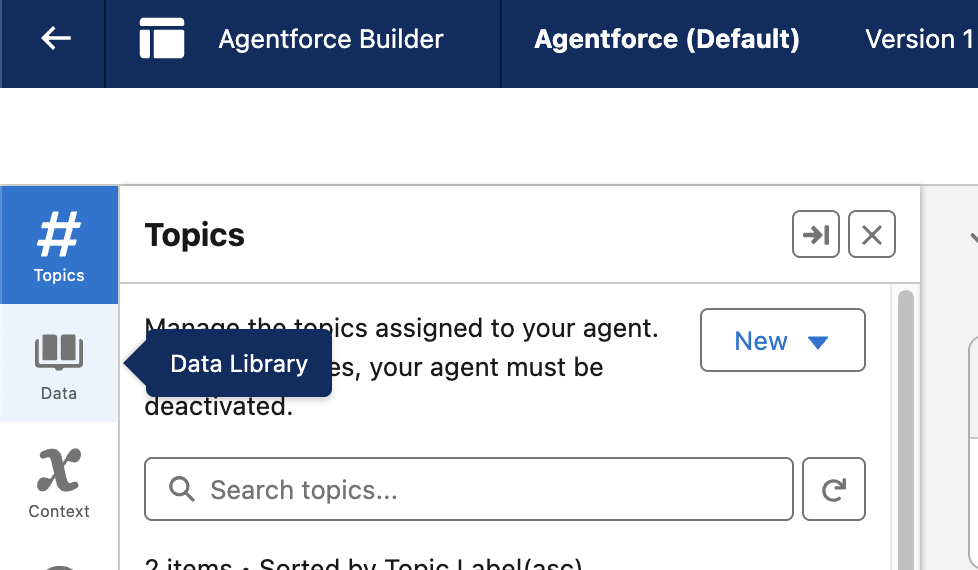
- Within Agent Builder, go to the left most panel and click on Data.
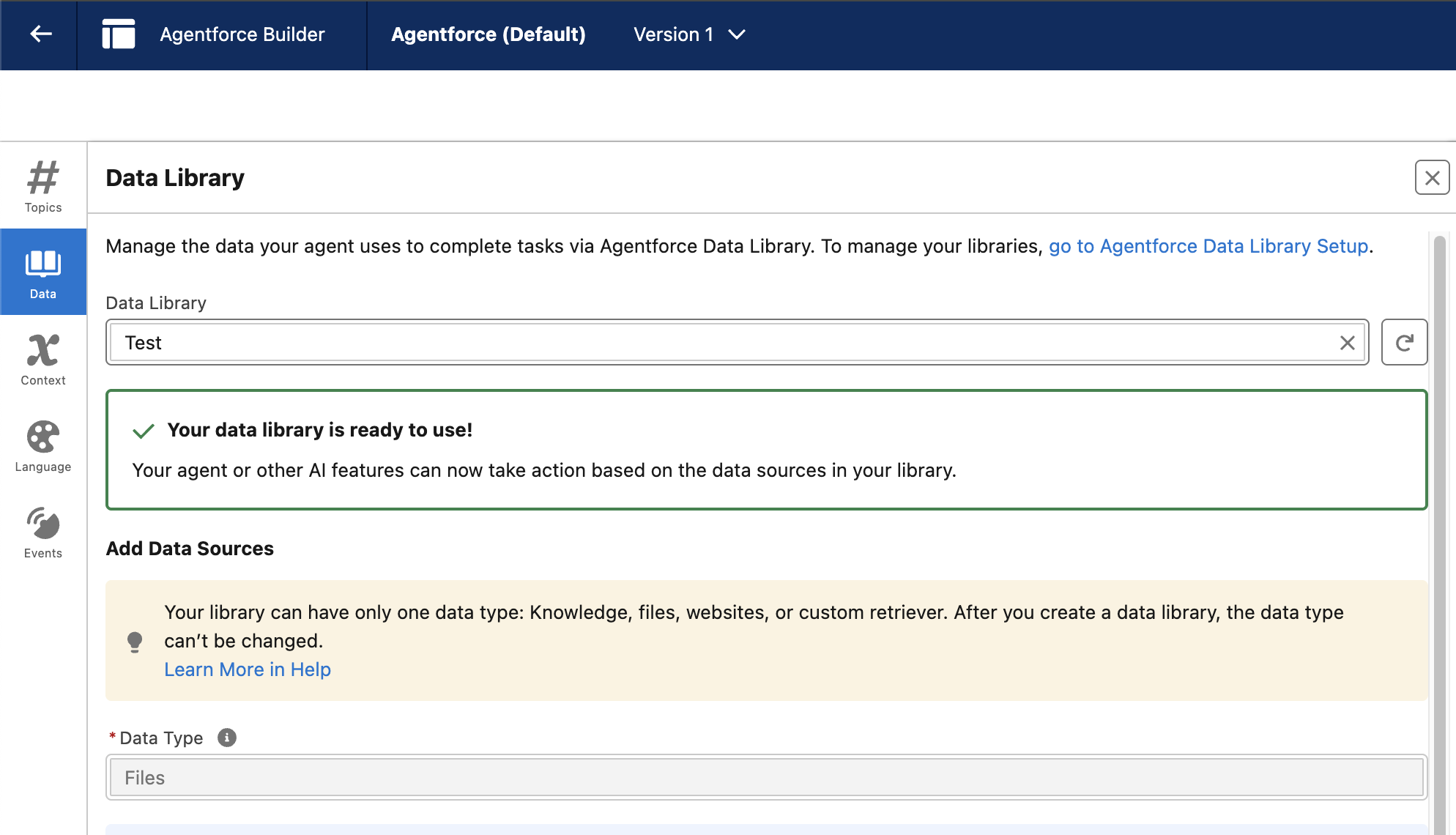
- Your screen should match the image below. Notice the “Your data library is ready to use!” notification. This has been set up in advance, but as we saw in the last exercise, the data here is not relevant to our use case.
- Click the x from within the Data Library selection field and then + New Library
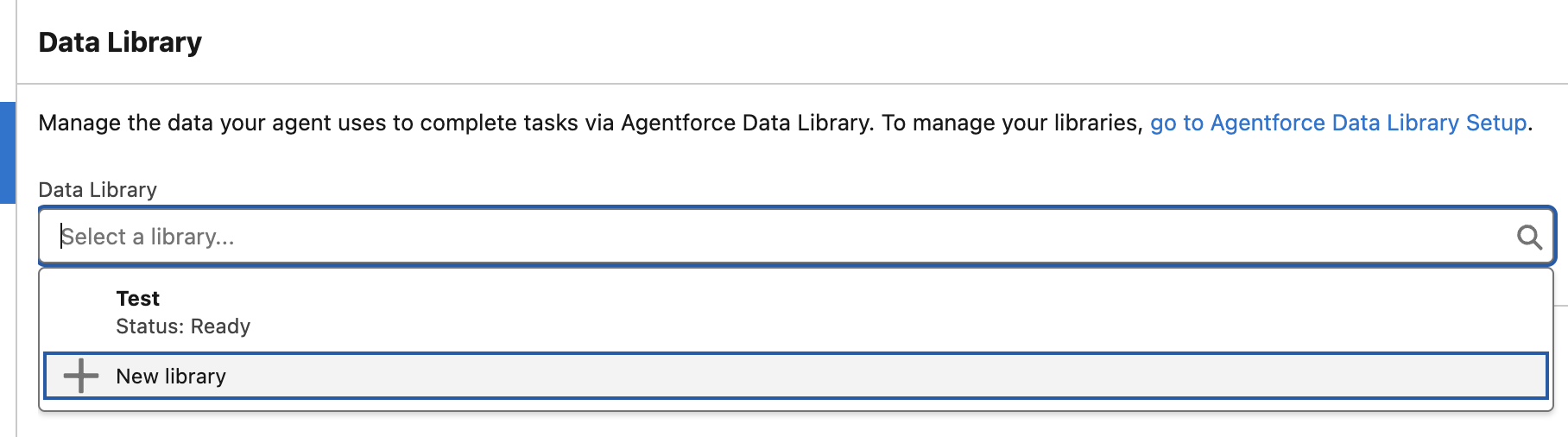 Note: You should have multiple libraries listed.
 - Under Library Name, replace the default name with Dormant Mode and under Data Type select File.
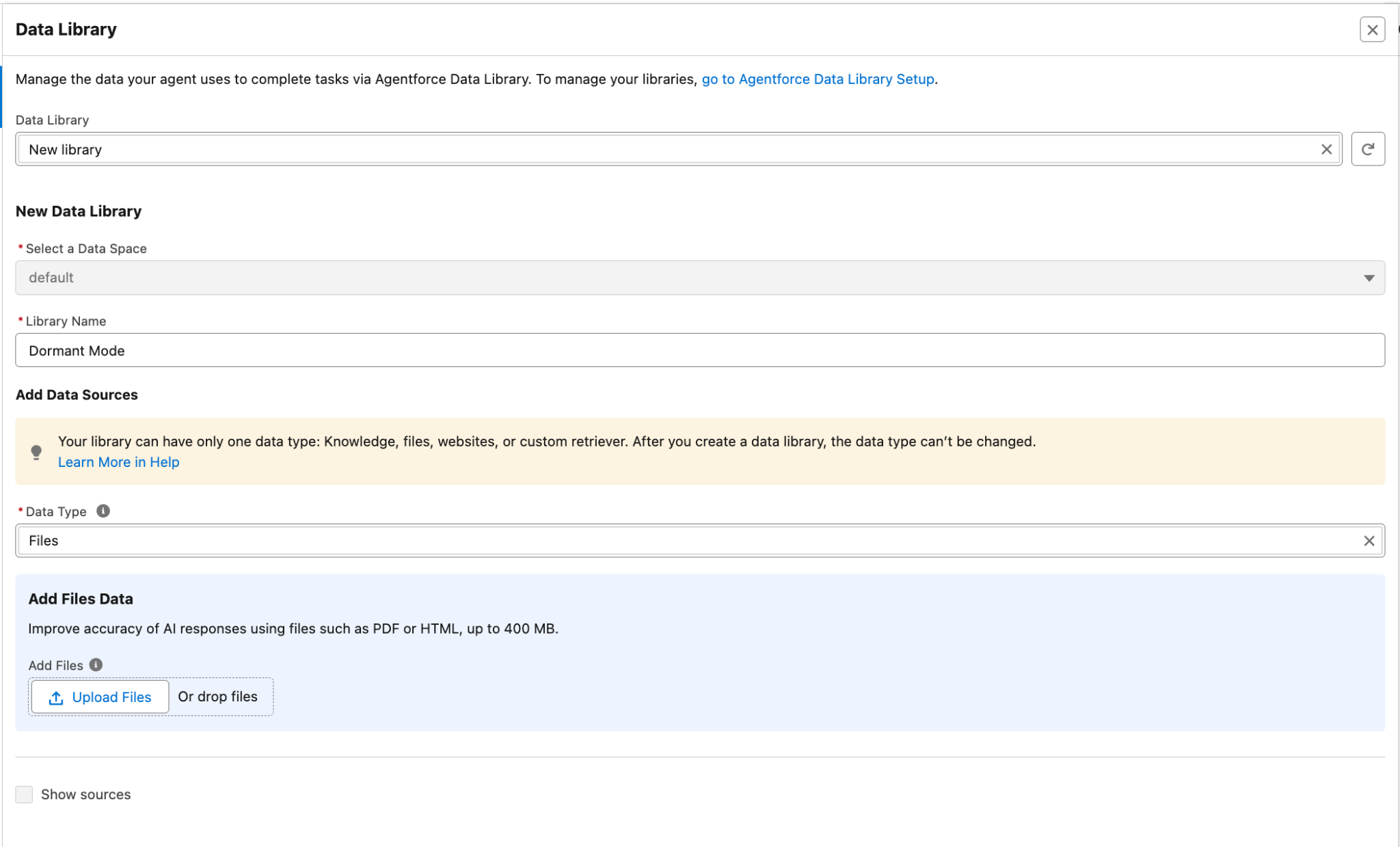
- Below that click the Upload Files button and then select your recently downloaded Dormant Mode Options PDF.
- Wait until the upload completes then click the blue Done button
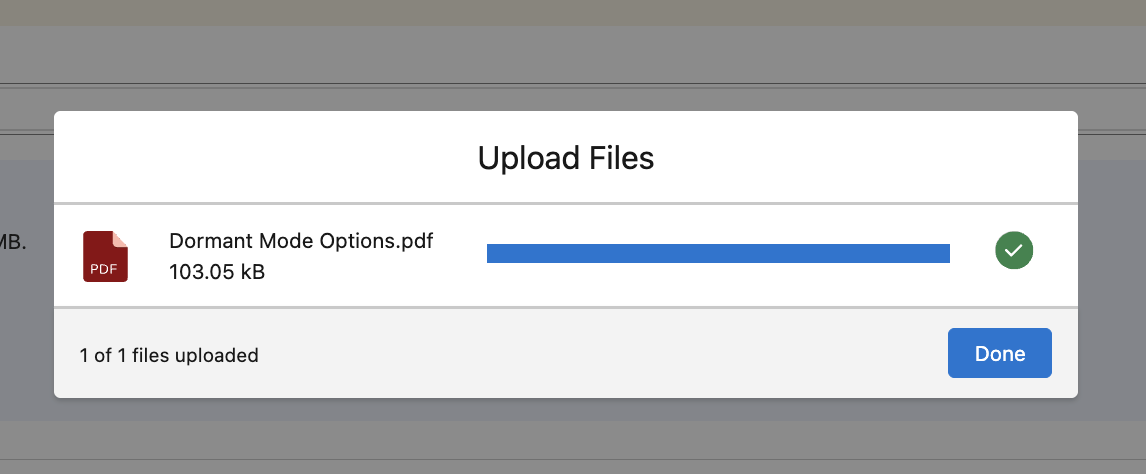
- At this point, Data Cloud is analyzing your file, creating a search index and retriever on this new unstructured dataset. Typically, this can take a few hours, so we’ve prepared this for you in advance.
This completes Exercise 2.