Appearance
Exercise 1 - Setup
Step 1: Turn on Agentforce Coworker
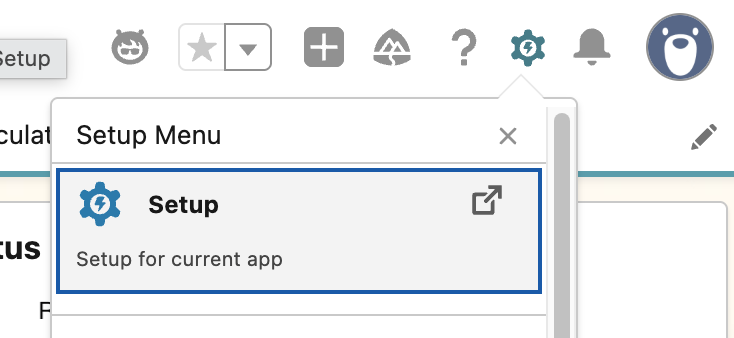
Click the setup gear icon from the top right of the page and then click Setup.
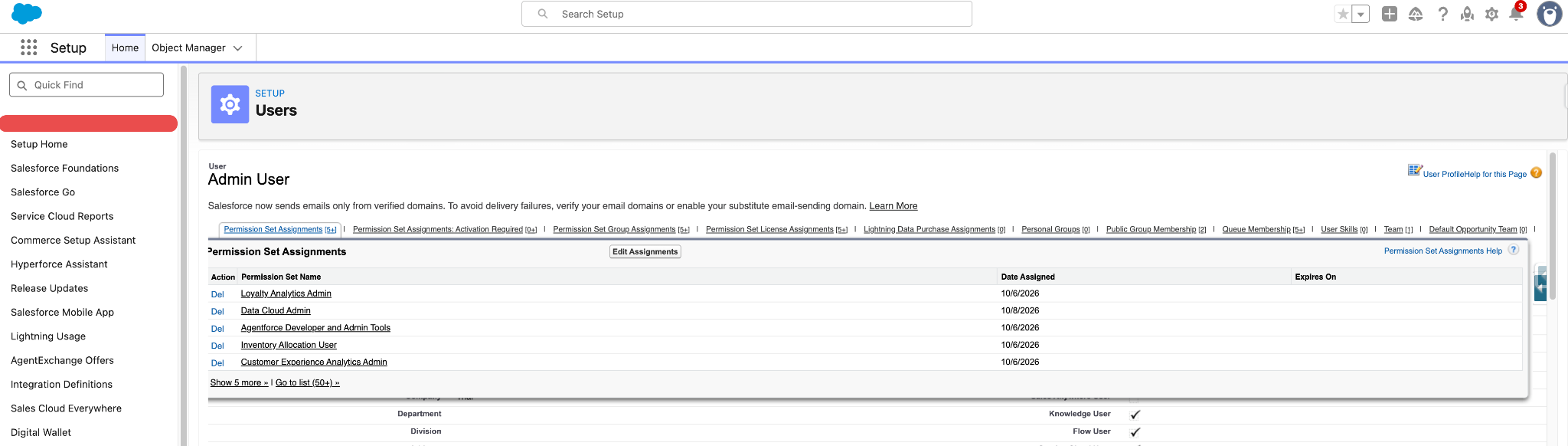
Type Users in Quick Find in the left hand navigation bar. Select Users.
Drill down into your user record detail.
Hover on the Permission Set Assignments related list quicklinks, and click Edit Assignments.
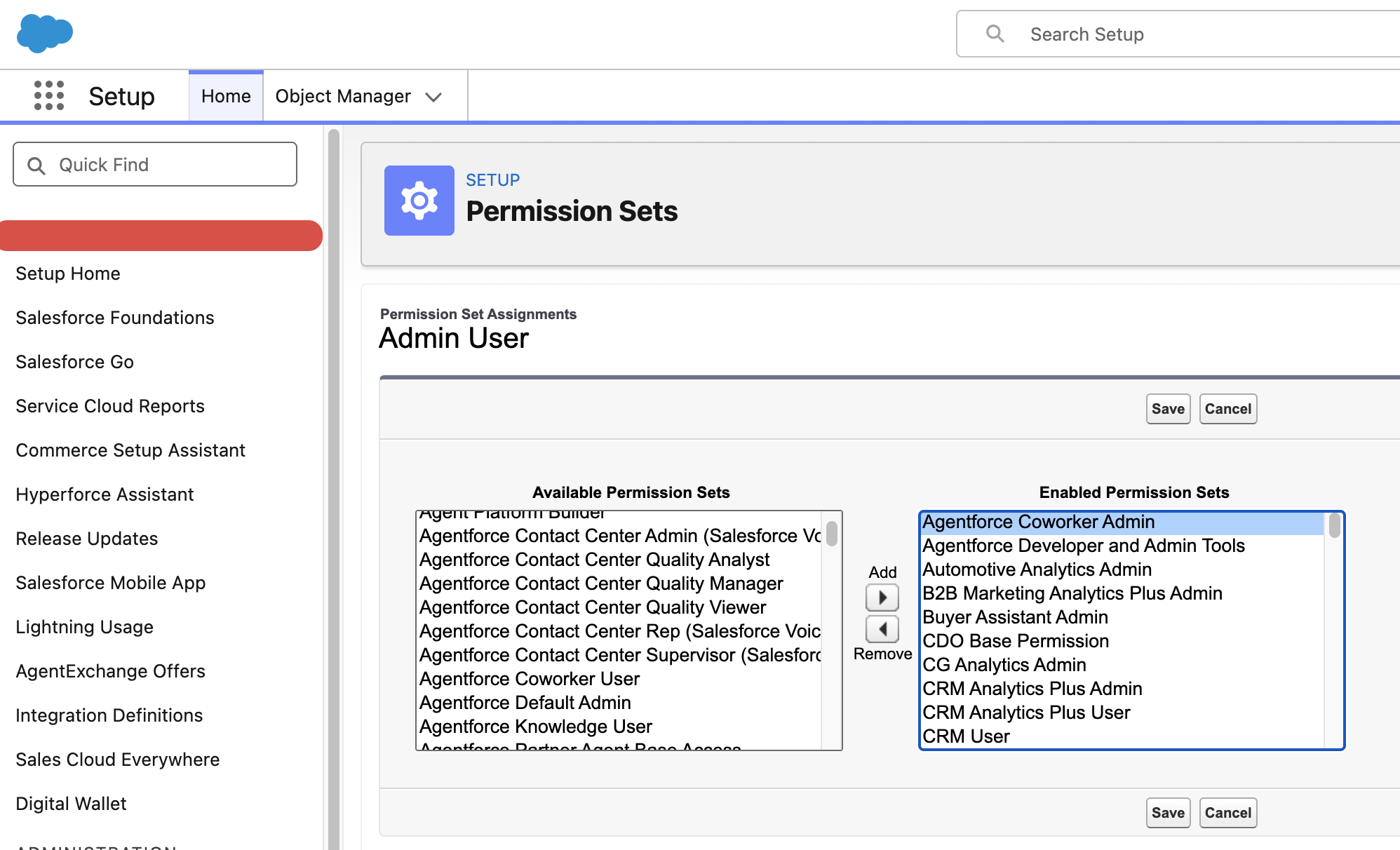
Find Agentforce Coworker Admin in the list of available permission sets. Click the Add> button to enable this permission set.
Save. You may see a notification screen informing you that some permission sets include community settings. If you see this, click OK.
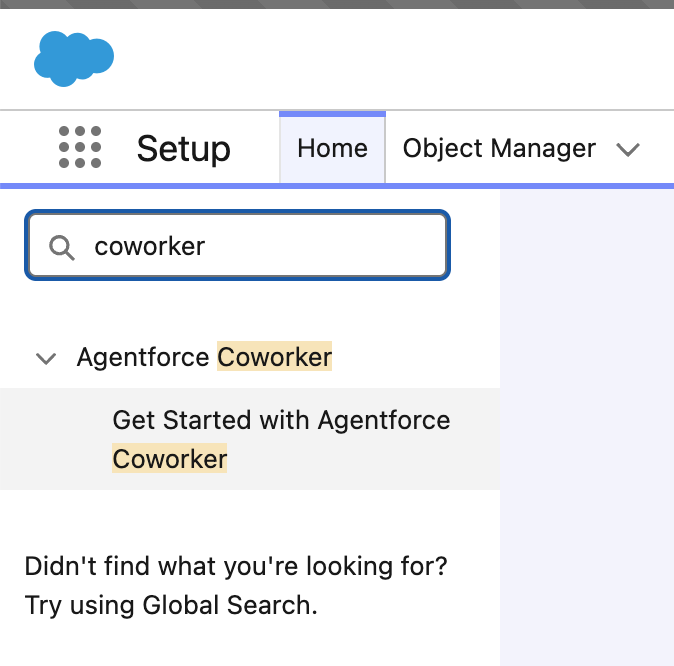
Type Coworker in Quick Find in the left hand navigation bar. Click Get Started with Agentforce Coworker.
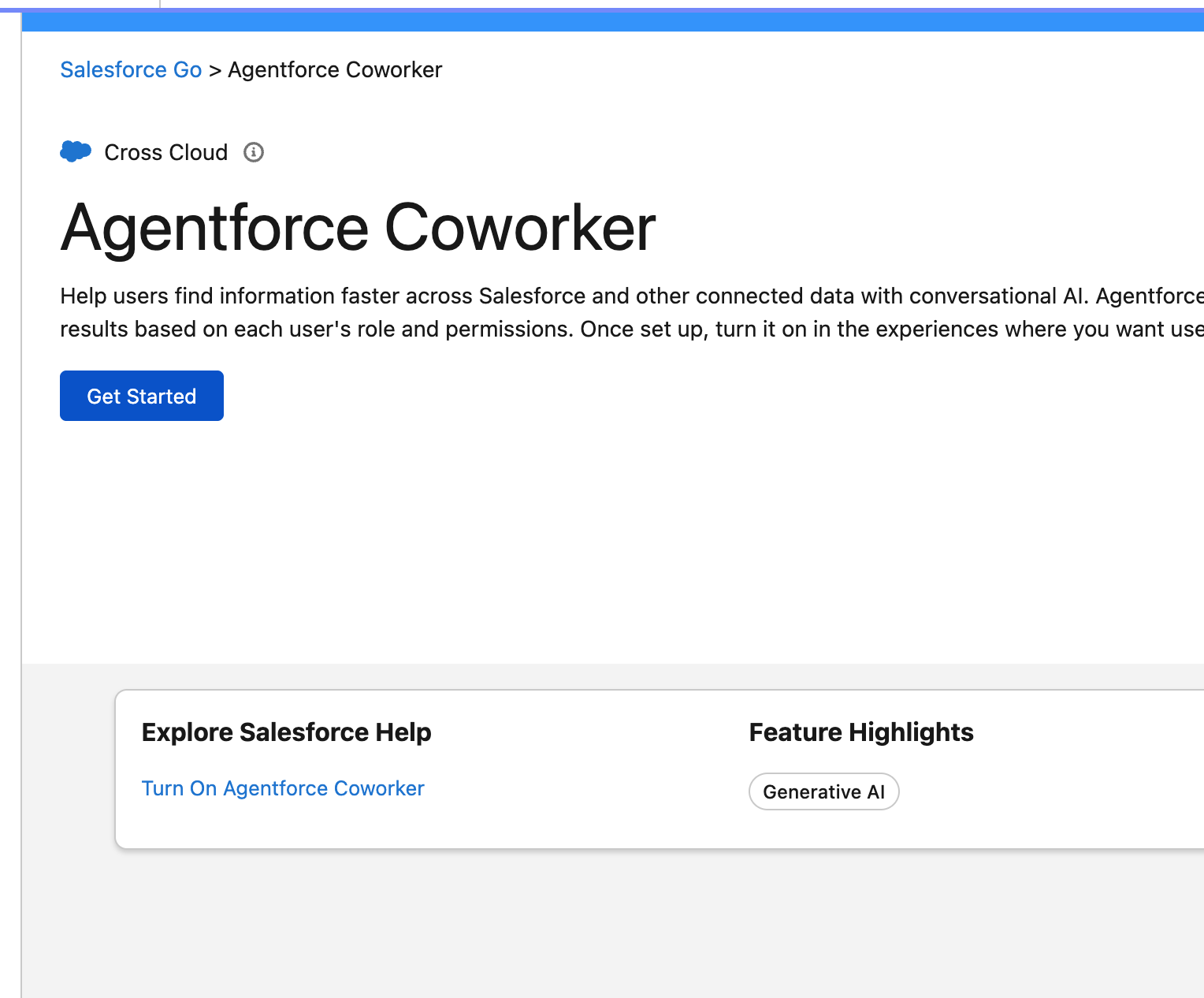
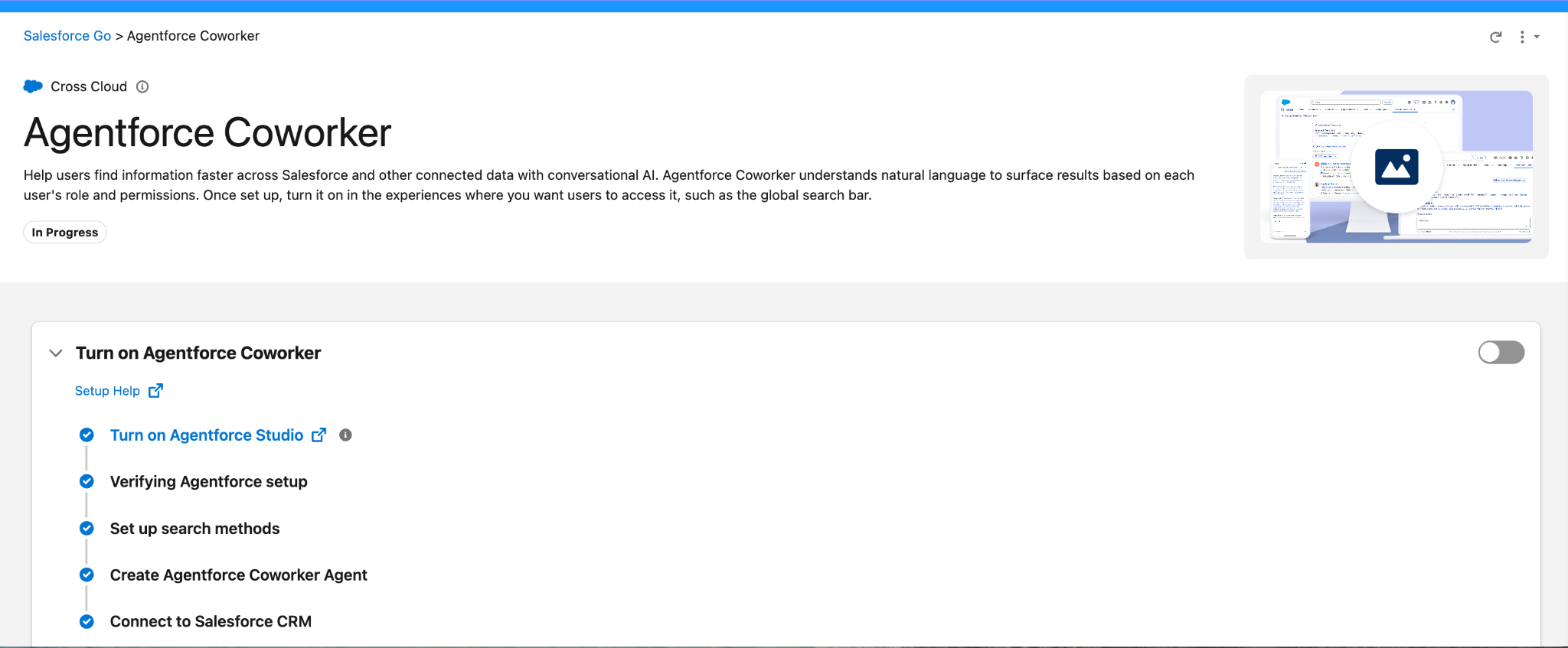
On the Agentforce Coworker page, click Get Started. A setup checklist appears, and Turn on Agentforce Studio should already show a check mark. If it does, skip the next step. If it doesn't, click the Turn on Agentforce Studio hyperlink to open a new browser tab.
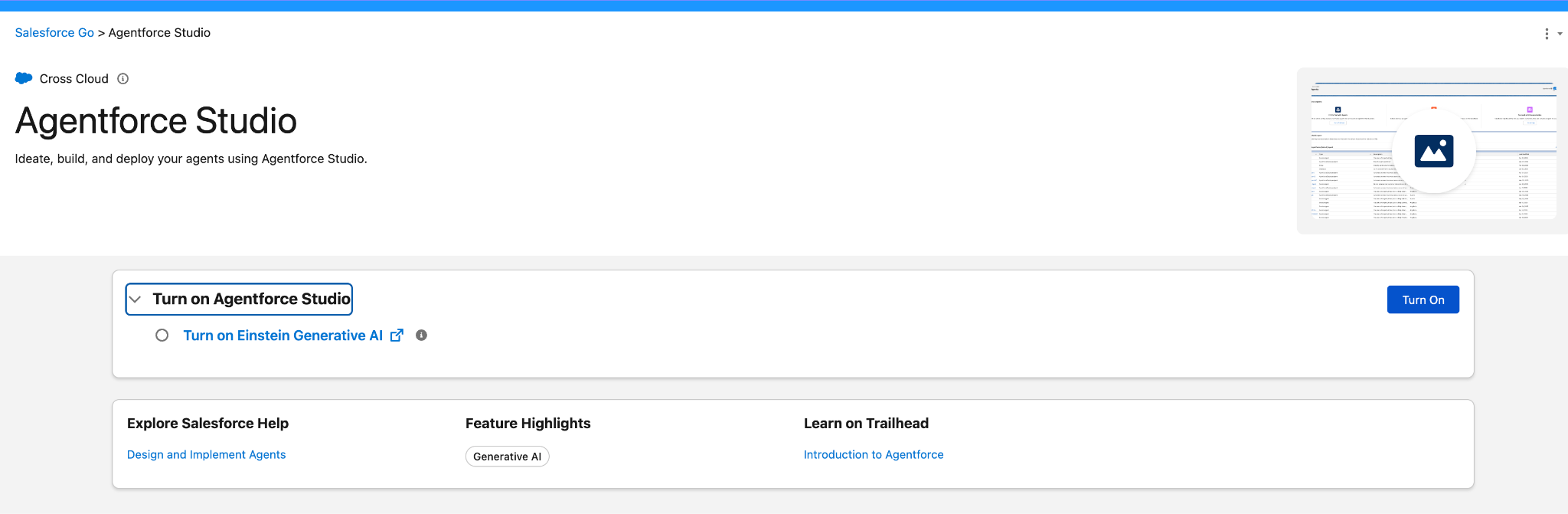
If Agentforce Studio isn’t already enabled, click Turn On. Once enabled, close the Agentforce Studio browser tab.
Back on the Get Started with Agentforce Coworker screen, flip the toggle on the right to turn on Agentforce Coworker.
At the next pop-up screen, click Turn On.
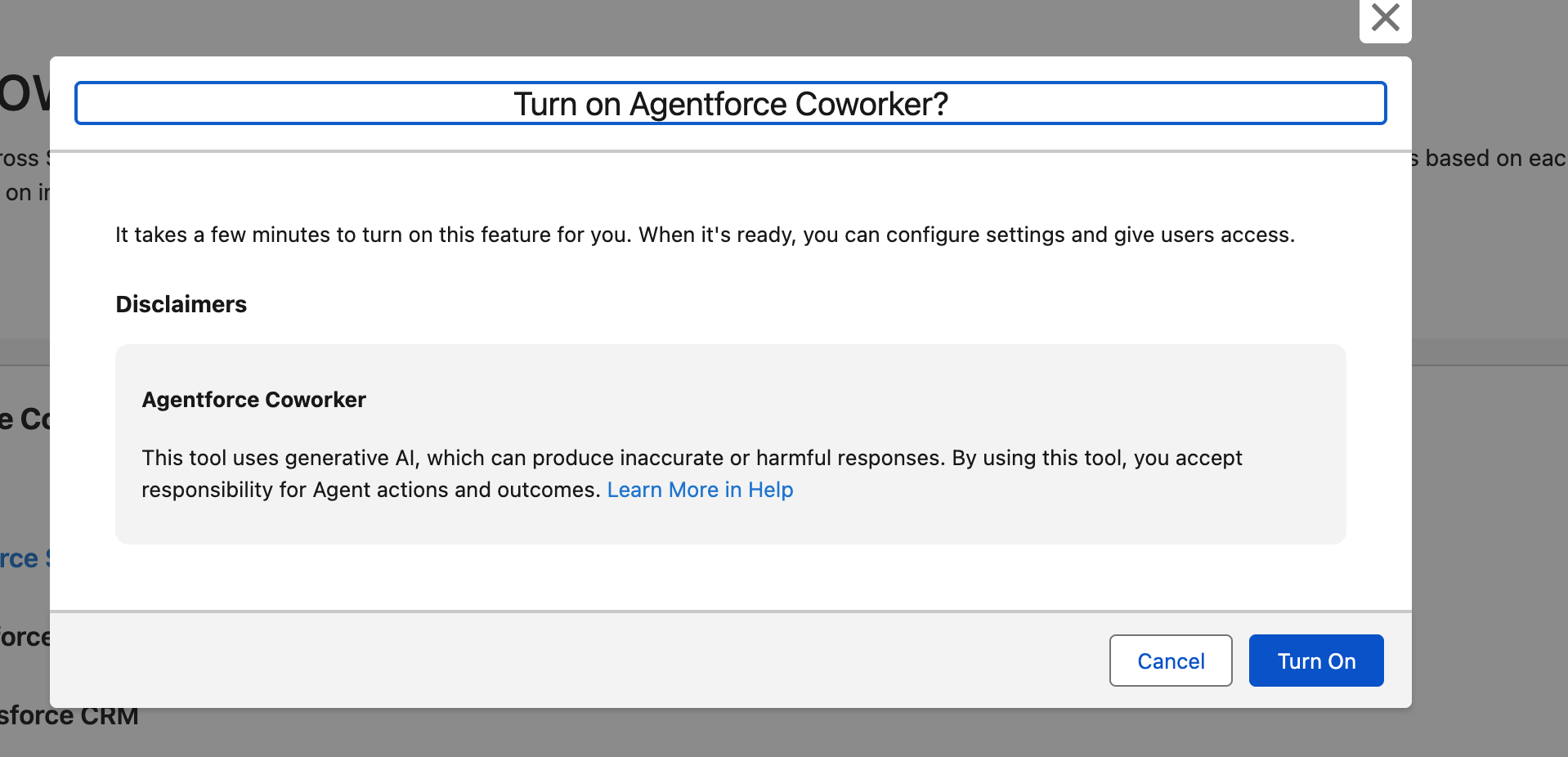
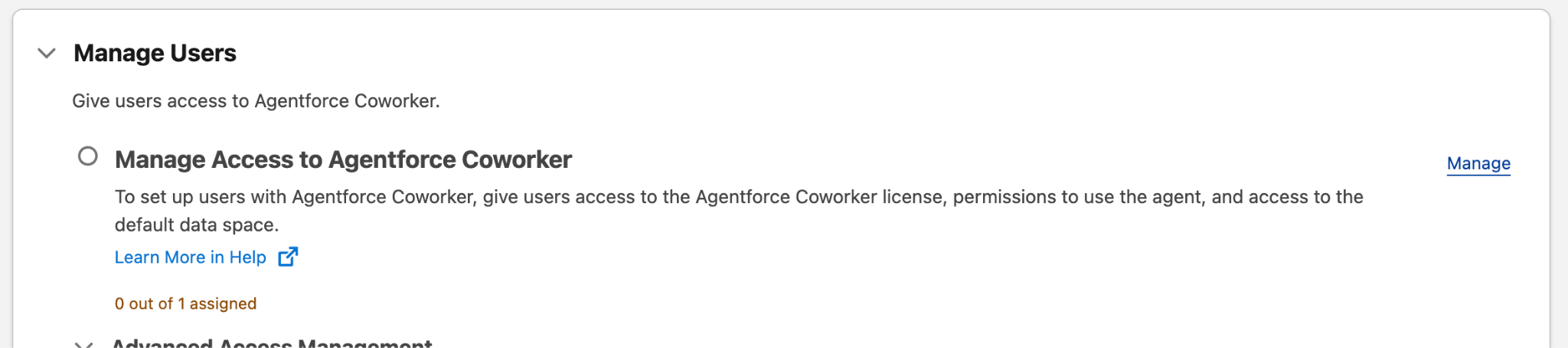
Note: The Agentforce Coworker setup takes 30 seconds to a minute to complete.Once Agentforce Coworker is turned on, scroll down to the Manage Users section, locate Manage Access to Agentforce Coworker, and click Manage.
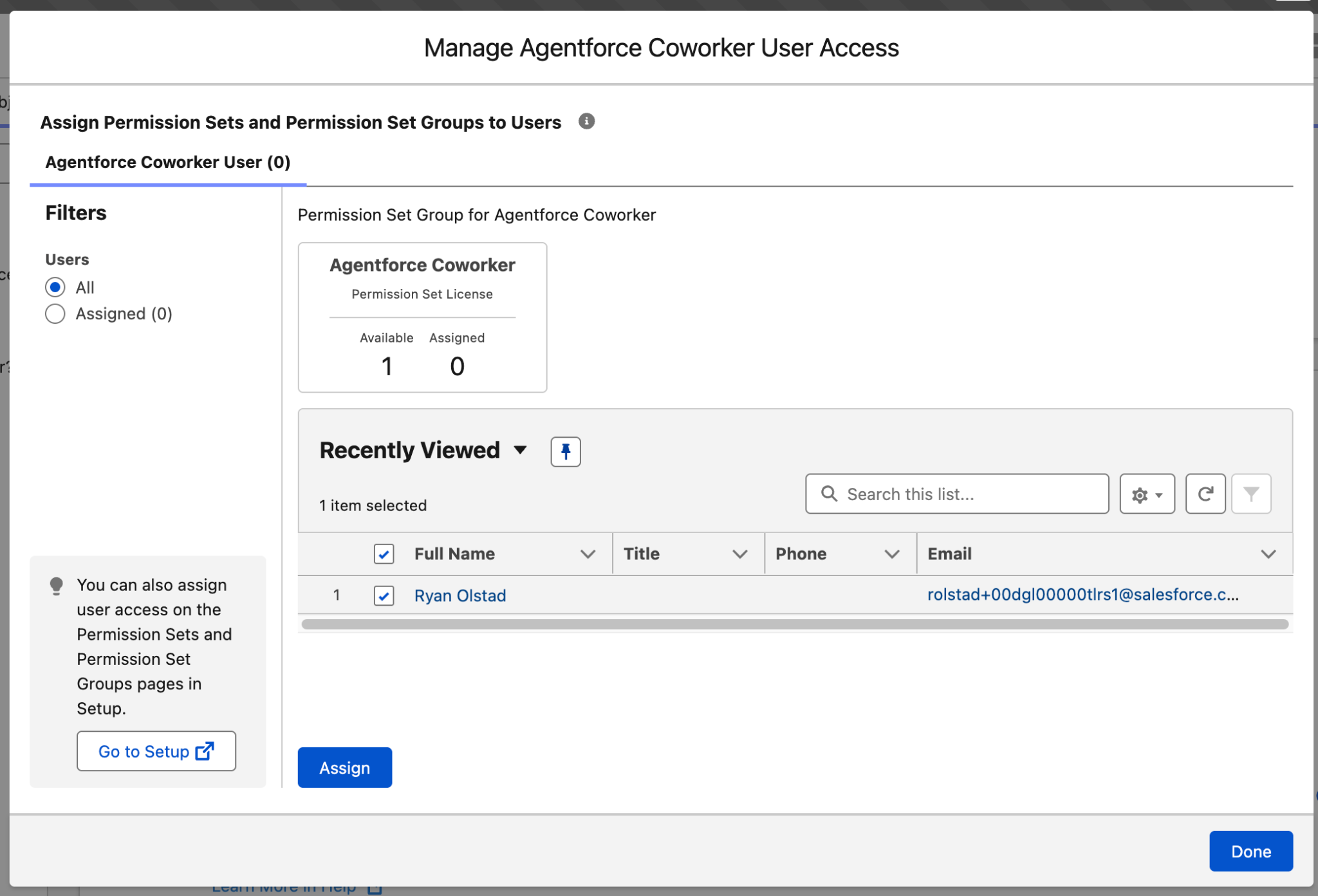
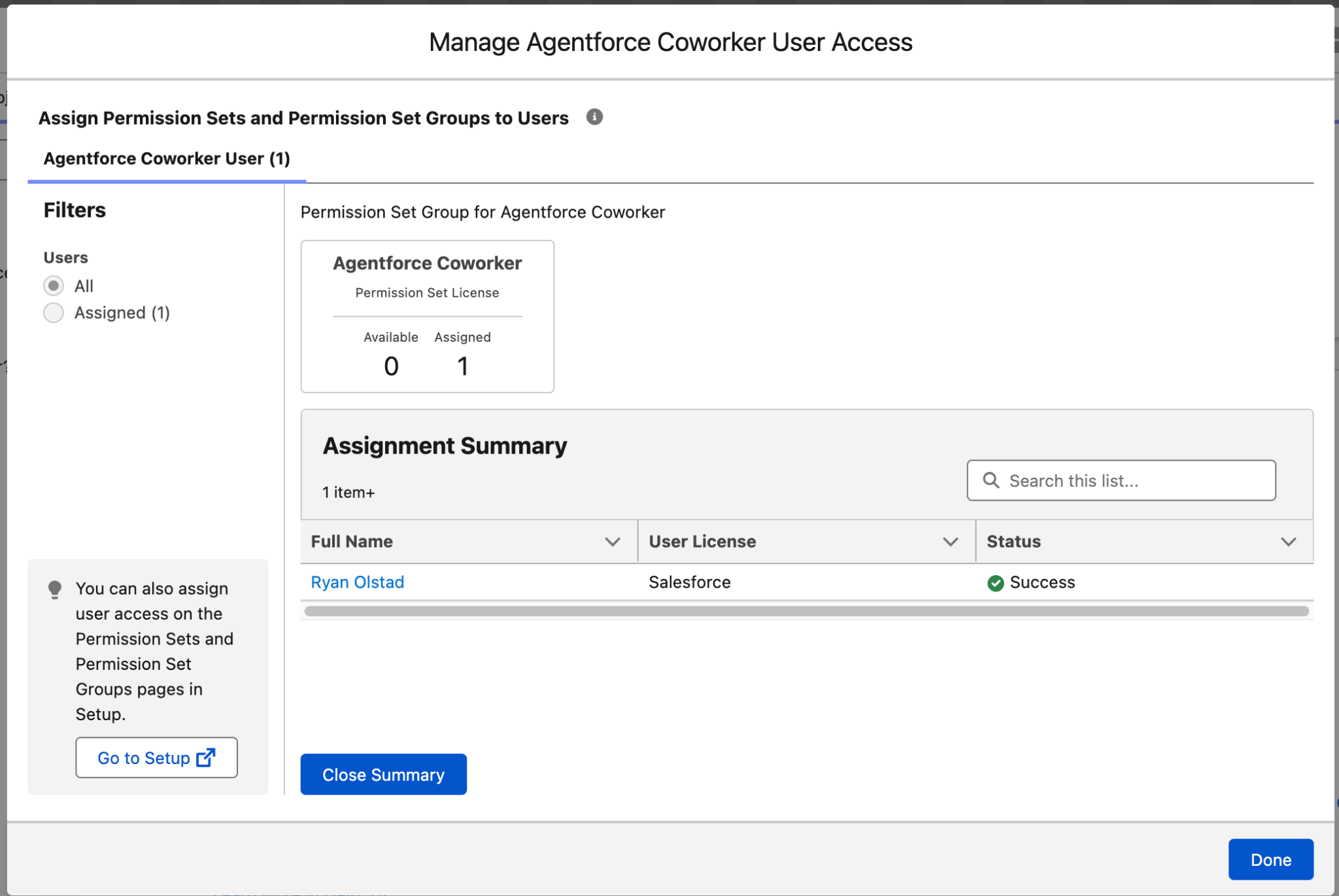
Locate your user, check the box next to your name, and click Assign, and then click Done.
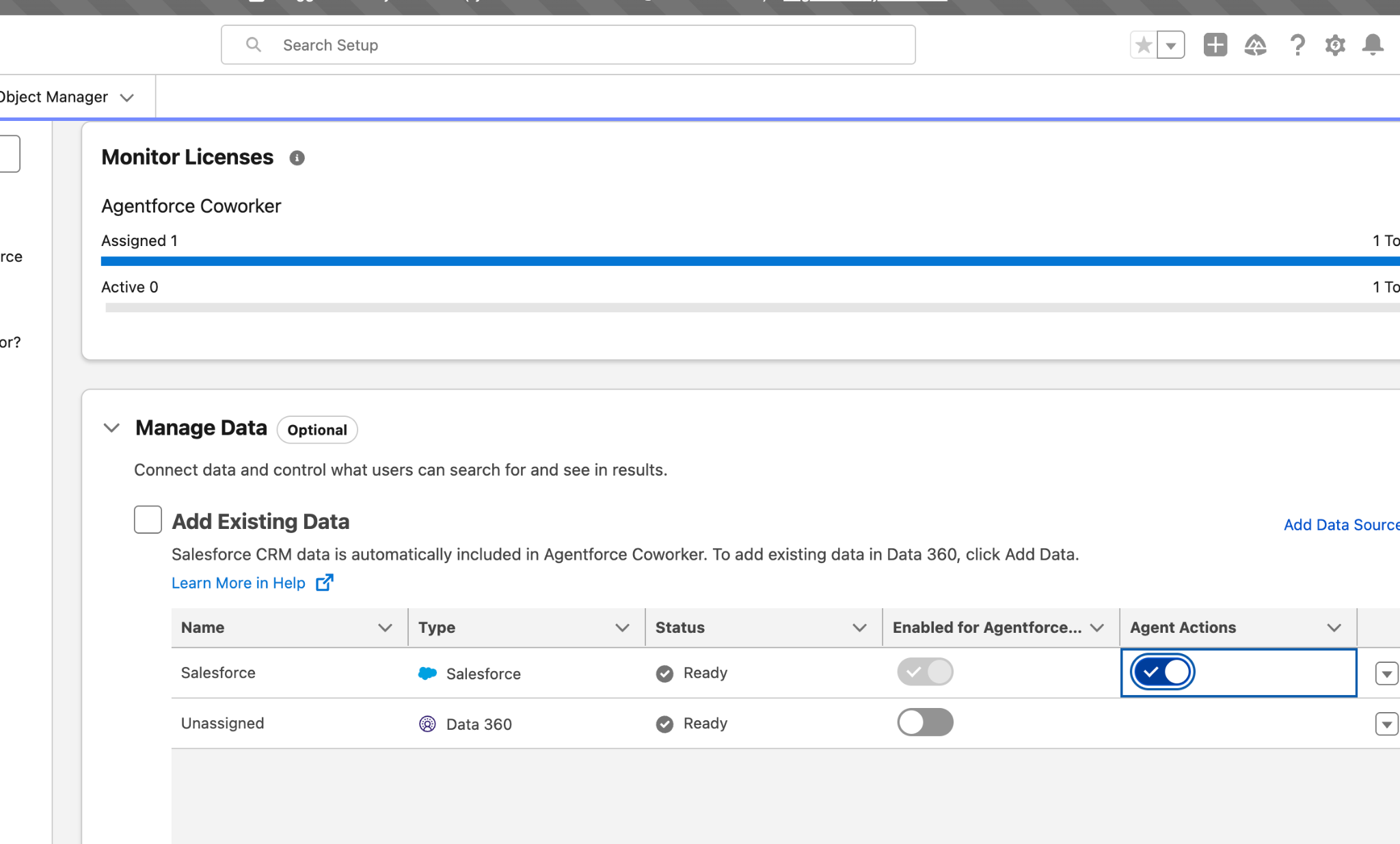
Scroll back up to the Manage Data section. In the Add Existing Data table, find the Salesforce row and click its Agent Actions toggle to turn it on.
Step 2: Ask Agentforce Coworker a Question
Now let’s give Agentforce Coworker a test!
Click the 9-dot App Launcher button at the top left and type Sales.
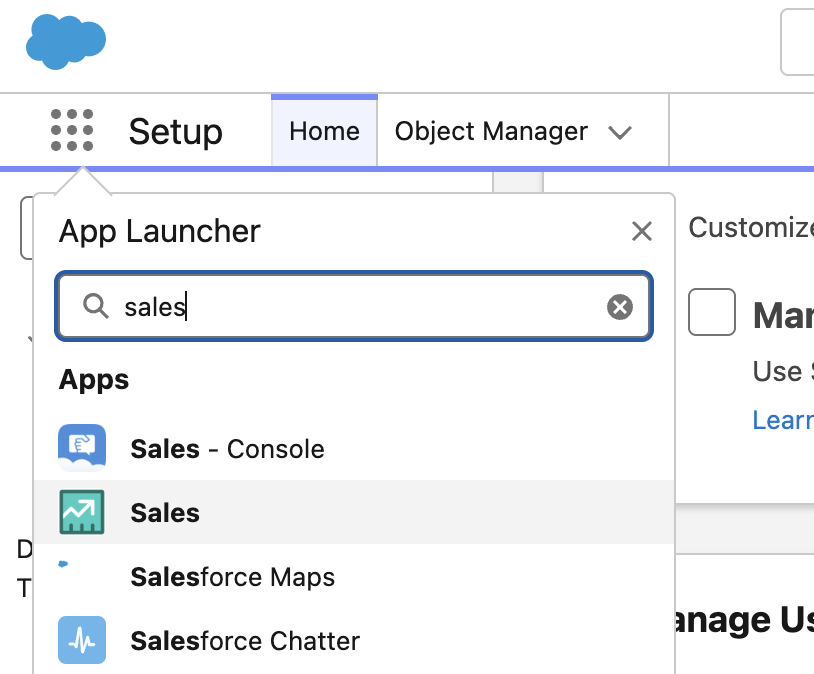
Click Sales to enter the Sales Application.
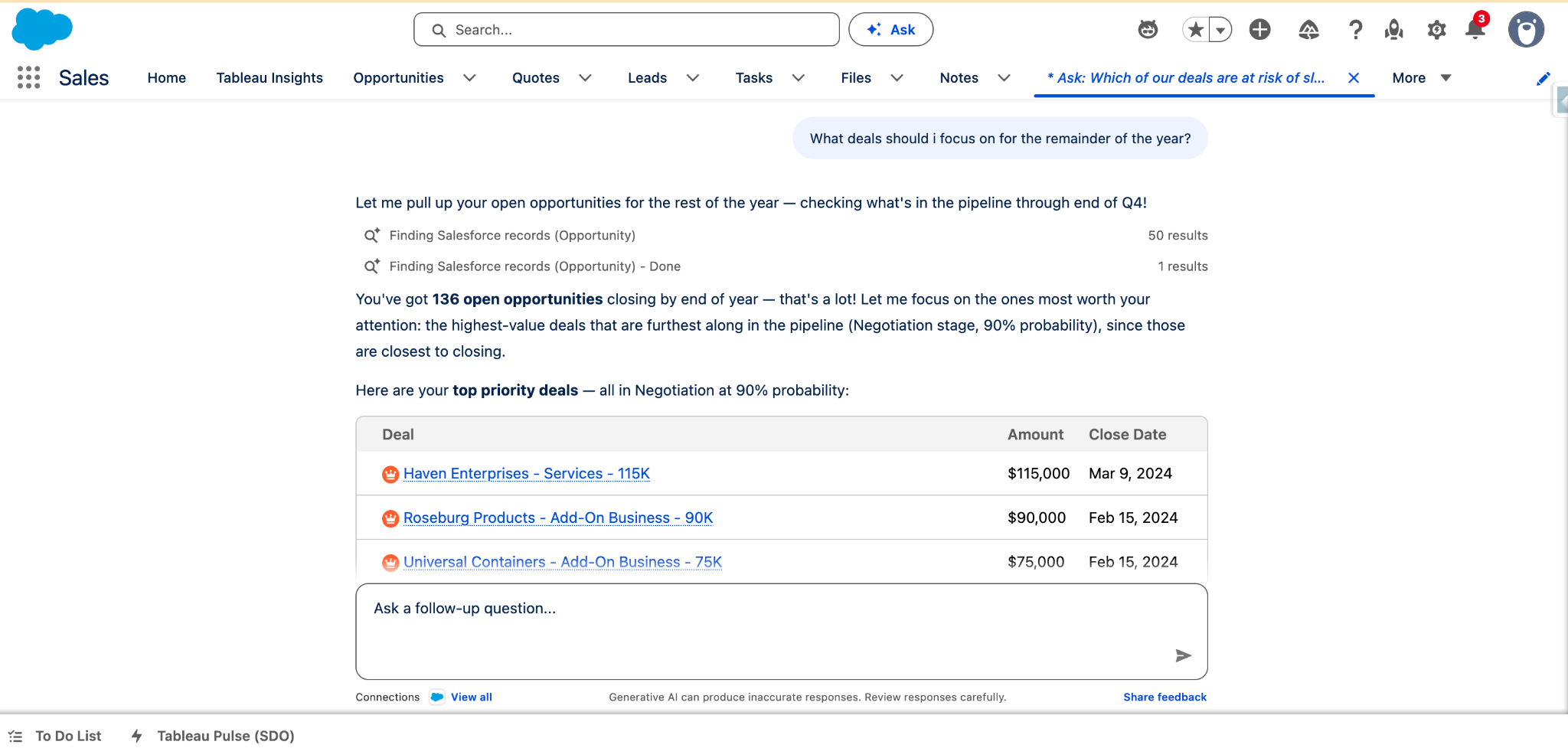
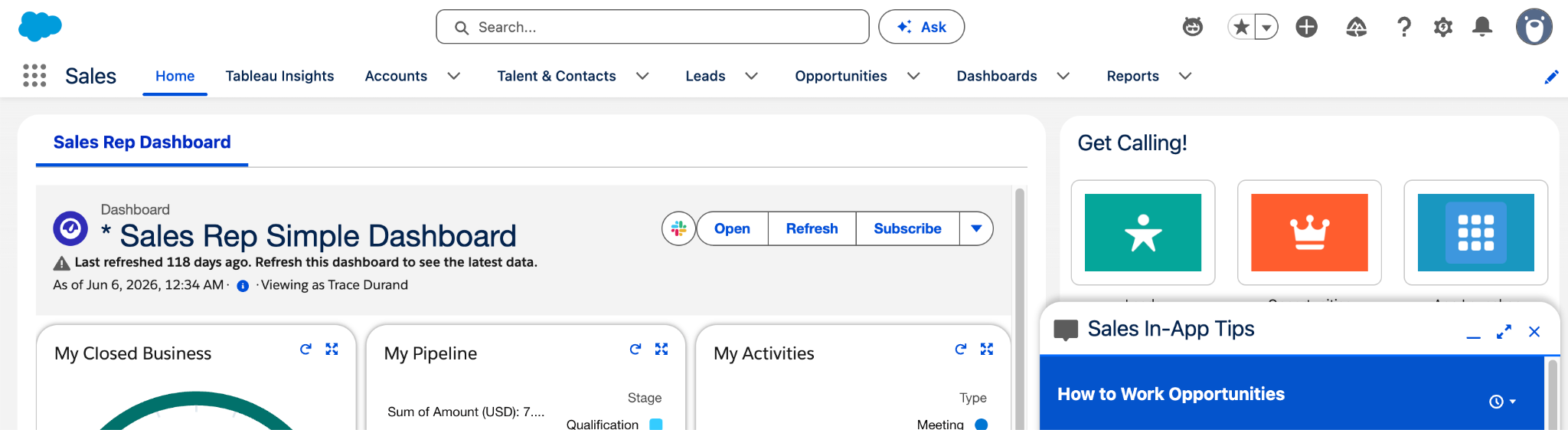
At the top, you should now see an Ask button next to the search bar. Click that to launch Agentforce Coworker.
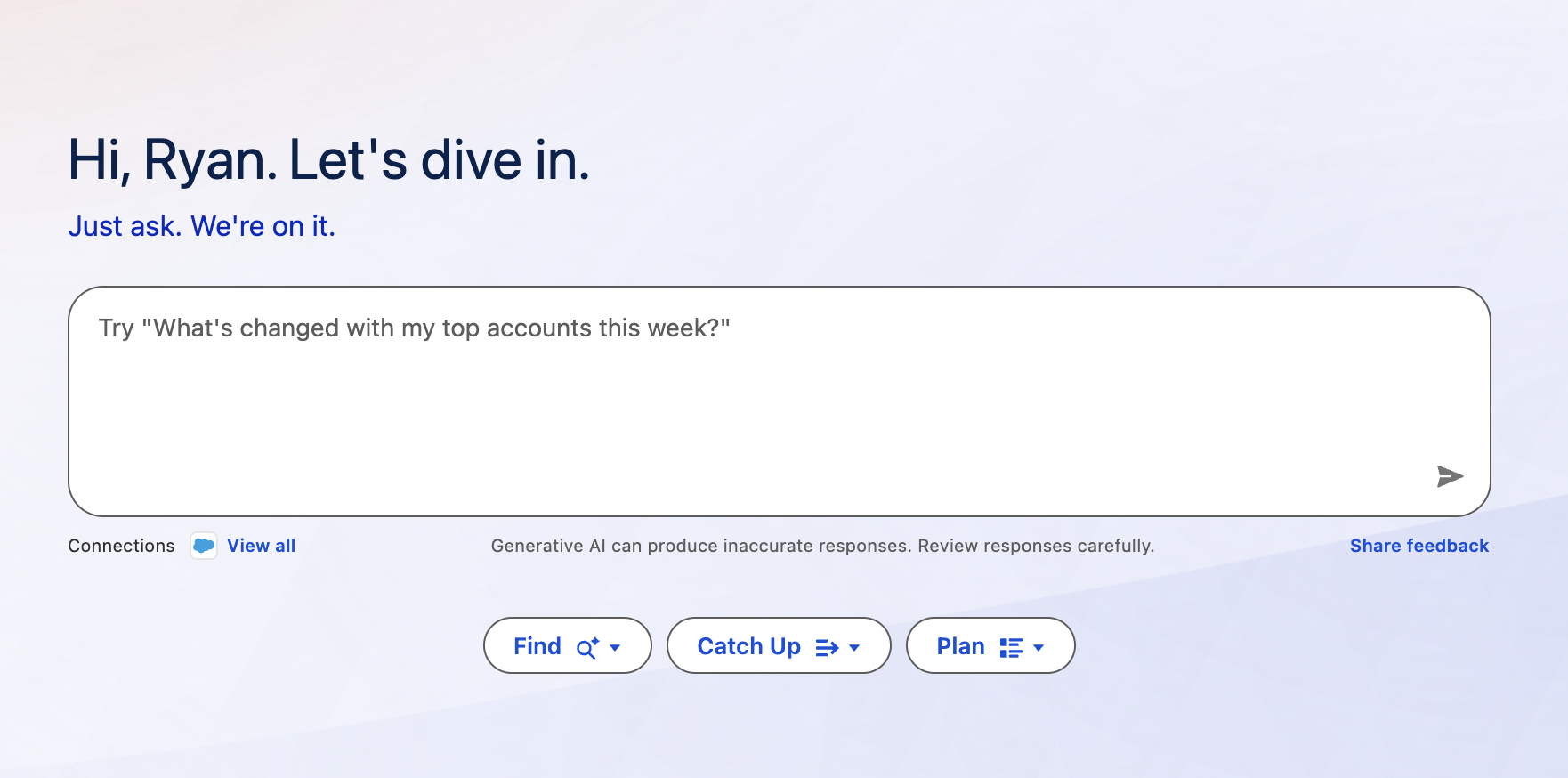
Enter the following prompt and press Enter:
What deals should i focus on for the remainder of the year?View results! If Coworker doesn't return any deals, try: What are my 5 largest open opportunities and what should I do next on each?